


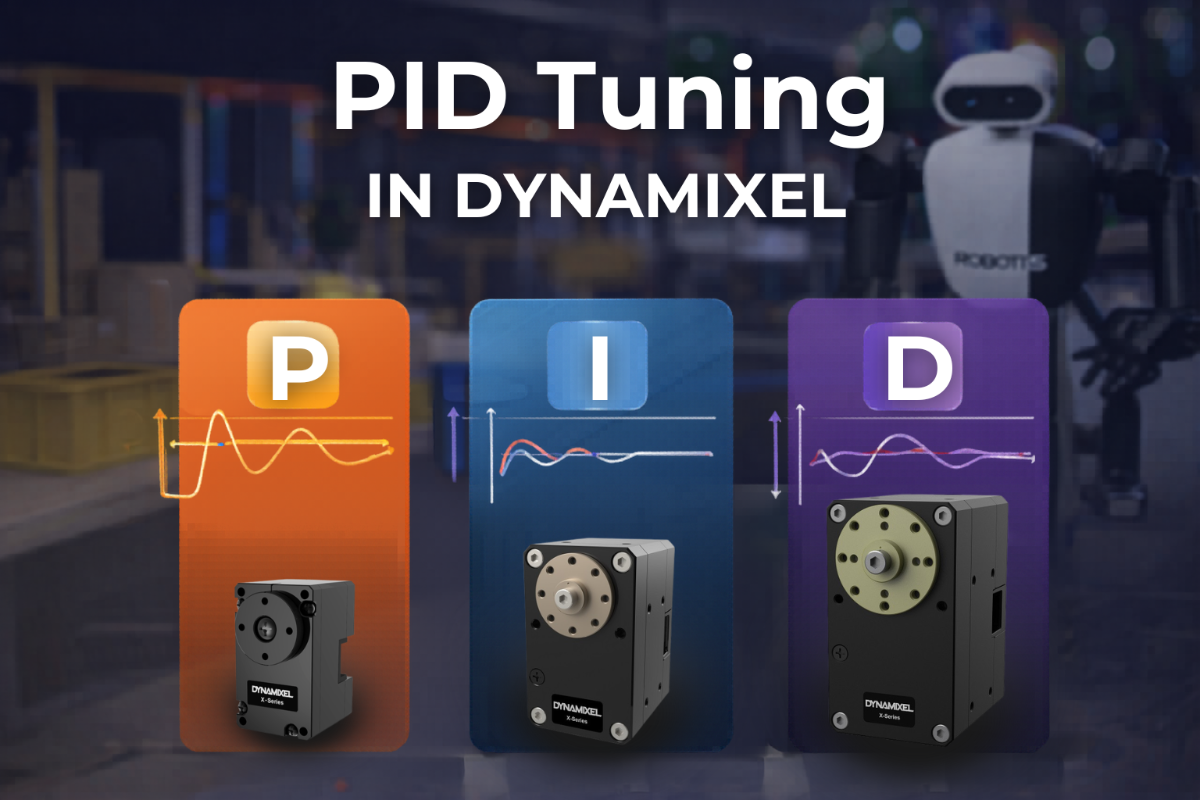
PID Tuning For DYNAMIXEL
Posted by Mason Knittle on 6th Apr 2026
When you command a DYNAMIXEL servo to move to a target position, the motor constantly compares its current position with the desired target. The difference is called the error. PID tuning controls how the motor responds to that error.
Without proper tuning, the servo might:
- Slowly drift to the target
- Overshoot and oscillate around the target
- Vibrate or jitter once it reaches the target
With proper tuning, the servo:
- Moves quickly but smoothly
- Stops precisely at the target
- Minimizes mechanical stress and noise
P
Proportional
Reacts to the current position error. Higher P gain usually increases responsiveness, but too much can cause overshoot or oscillation.
I
Integral
Corrects accumulated error over time. Useful for eliminating small steady-state error, especially under constant load.
D
Derivative
Adds damping by reacting to how fast the error changes. Helps reduce overshoot and improve settling near the target.
How to Tune DYNAMIXEL PID Gains
1. Start with default gains
Use the factory values as your baseline and test a simple back-and-forth move.
2. Tune P first
Increase P gain for faster response. Reduce it if overshoot or oscillation appears.
3. Add D for damping
Increase D gain gradually to reduce overshoot and improve settling.
4. Add I only if needed
Use a small amount of I gain to remove steady-state error under load.
5. Recheck motion profiles
Profile Velocity and Profile Acceleration affect motion quality too. Tune them together with PID.
Key DYNAMIXEL Control Table Items for PID Tuning
Position D Gain (80) – Damping and overshoot control
Position I Gain (82) – Accumulated error correction
Position P Gain (84) – Main response strength
Profile Acceleration (108) – Motion acceleration shaping
Profile Velocity (112) – Motion speed shaping
Goal Position (116) – Commanded target
Present Position (132) – Actual feedback position
Position I Gain (82) – Accumulated error correction
Position P Gain (84) – Main response strength
Profile Acceleration (108) – Motion acceleration shaping
Profile Velocity (112) – Motion speed shaping
Goal Position (116) – Commanded target
Present Position (132) – Actual feedback position
|
Important: Make sure to verify these addresses against your DYNAMIXEL model’s e-Manual page. Control table addresses may differ depending on the actuator family and operating mode.
Open ROBOTIS e-Manual
|
Recommended Tuning Workflow
Start with default gains → tune P first → add D for damping → add I only if needed → adjust Profile Velocity and Profile Acceleration → validate under real load
|
How Each Gain Affects Motion
In DYNAMIXEL PID tuning, each gain influences motion differently. Use this quick visual guide when adjusting responsiveness, damping, and steady-state accuracy.
| ||
|
P
|
Responsiveness
85% • Strong effect
Increasing P gain usually makes the servo react faster to position error, but too much can cause overshoot or oscillation.
| |
|
I
|
Steady-State Error Correction
55% • Moderate effect
I gain helps remove small residual error over time, especially when the joint is under constant load.
| |
|
D
|
Damping / Overshoot Reduction
70% • High effect
D gain adds damping as the actuator approaches the target, helping reduce bounce and overshoot.
| |